Microsoft has announced immediate availability of new Windows 11 features such as Tabbed File Explorer, Suggested Actions, Taskbar Overflow, and much more that are exclusively designed to enhance productivity and creativity. The new features and experiences were announced in September Windows 11 2022 Update and are part of Microsoft’s continuous commitment to deliver creative innovation. The ultimate aim is to inspire and empower users with the intention to enhance productivity. Microsoft launched Windows 11 2022 update in 190+ countries around the world in addition to pushing new Surface devices. However, the update will be made available in a phased manner. Let’s examine the new features of Windows 11.
Tabbed File Explorer
The big change in Windows 11 is the integration of Tabbed File Explorer, which is identical to that of Microsoft Edge tabs. This is for the first time Microsoft has added tabs inside File Explorer. With the help of Tabbed File Explorer, you can manage and organize all your files including swapping folders with simplicity.

The newly introduced Favorites section is a great place to pin regularly used files. With OneDrive integration, you can easily manage the files on the cloud. Windows 11 also provides a list of contacts you would like to share content including customized suggestions based on your Microsoft 365 account.
Suggested Actions
Windows 11 is designed to anticipate your requirements and needs in advance. Windows 11 automatically highlights phone numbers or future dates in text.
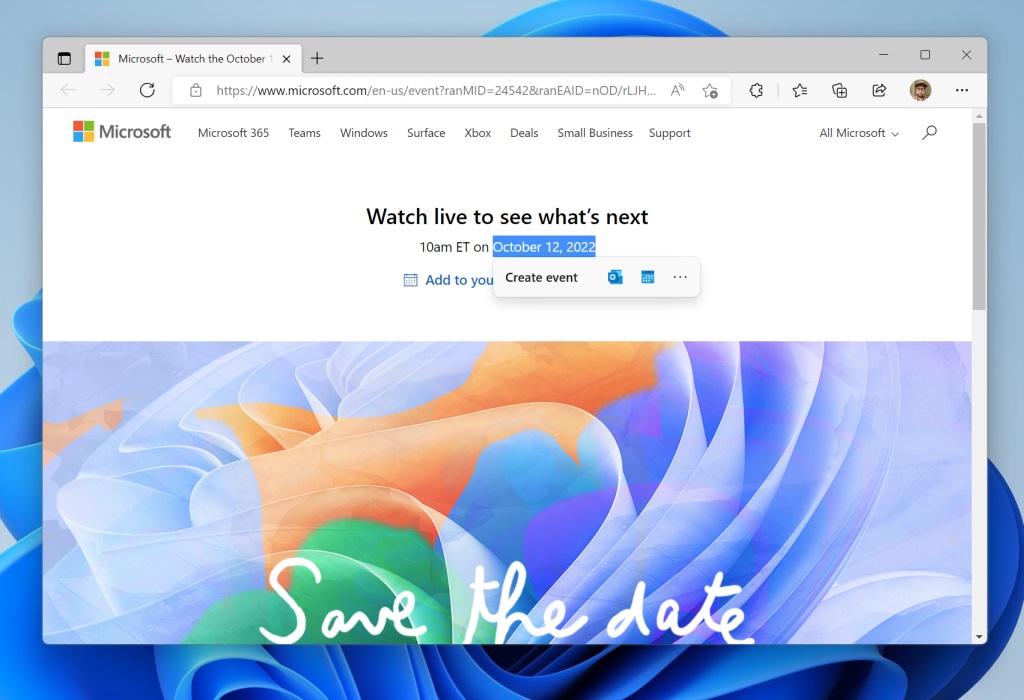
This will help you to perform required actions such as calling via Phone Link, Microsoft Teams, Skype in addition to scheduling appointment, adding an event in your Calendar app.
Taskbar Overflow
The taskbar is well-known to Windows users and it exits right from the early days of Windows. Windows 11 Taskbar provides an entry point to an overflow menu, which enables users to view all the overflowed apps in one space. The aim is to avoid Taskbar clutter.
Task Manager Simplified
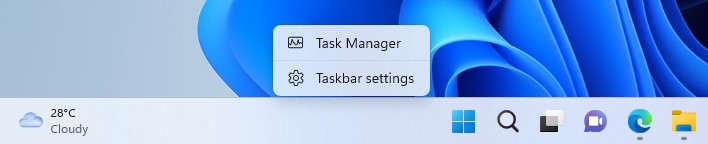
Microsoft has added the ability to open Task Manager directly by right-clicking on the Windows 11 Taskbar. You need not have to make use of CTRL+ALT+DEL keyboard shortcut or search for the app. With Windows 11, you get all the important features with a single click.
Devices Sharing
The WIndows Share experience has been enhanced in such a way that you can simply share files with several discoverable devices nearby directly from your desktop, File Explorer, Photos, Snipping Tool, Xbox, and other apps.
Photos app
The Photos app on Windows 11 has been refreshed to help users to manage photos effectively. You will be able to view all the Photos from your phone, camera, OneDrive under a single gorgeous gallery. The Photos app also integrates new Memories experience with pictures being loaded from OneDrive. Moreover, the Photos app provides seamless connectivity with your iCloud photo library.
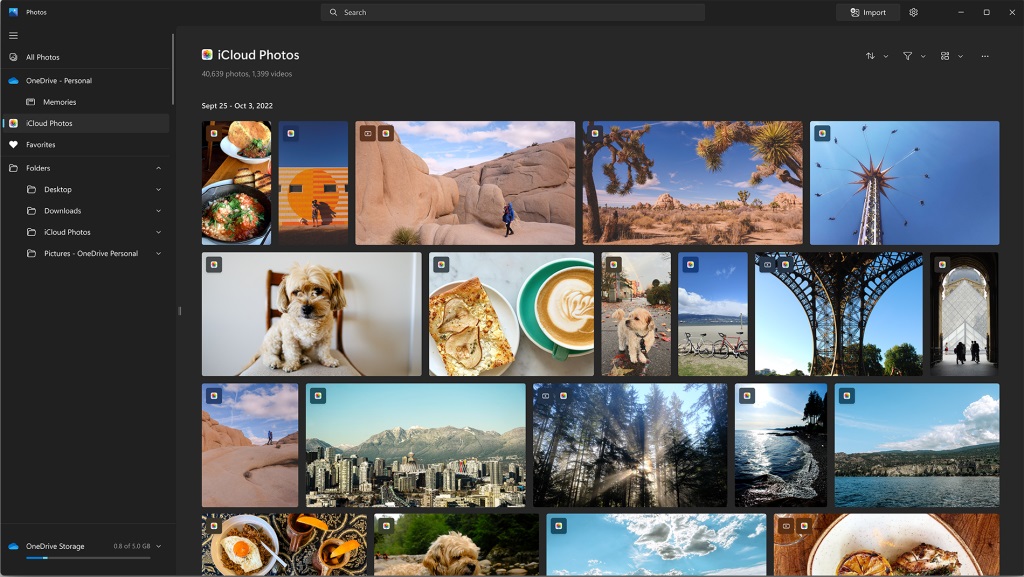
You just need to install iCloud for Windows from the Microsoft Store and the photos captured via your iPhone appear automatically inside your Photos app. Microsoft will push iCloud integration along in November.
Amazon Appstore
Microsoft has established partnership with Amazon to provide access to Android apps and games via Amazon AppStore from within Windows 11.
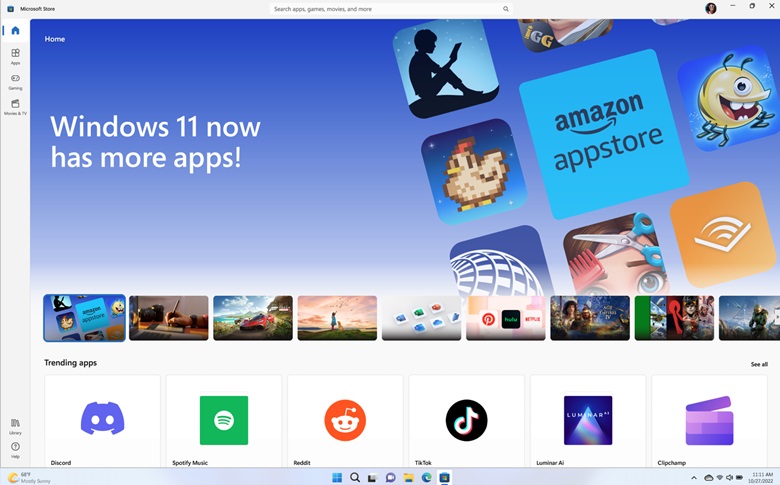
You can easily discover and download over 50000+ favorite apps and games on your Windows device. This feature has been enabled by Windows Subsystem for Android.
ESPN app
Microsoft has announced that the ESPN app is available in the Microsoft Store across 239 regions and markets. YOu will be able to gather sports news right from your Windows 11 desktop. Microsoft has already added apps such as Hulu, Netflix, Discord, TikTok, Disney+, Amazon Prime Video, and much more.